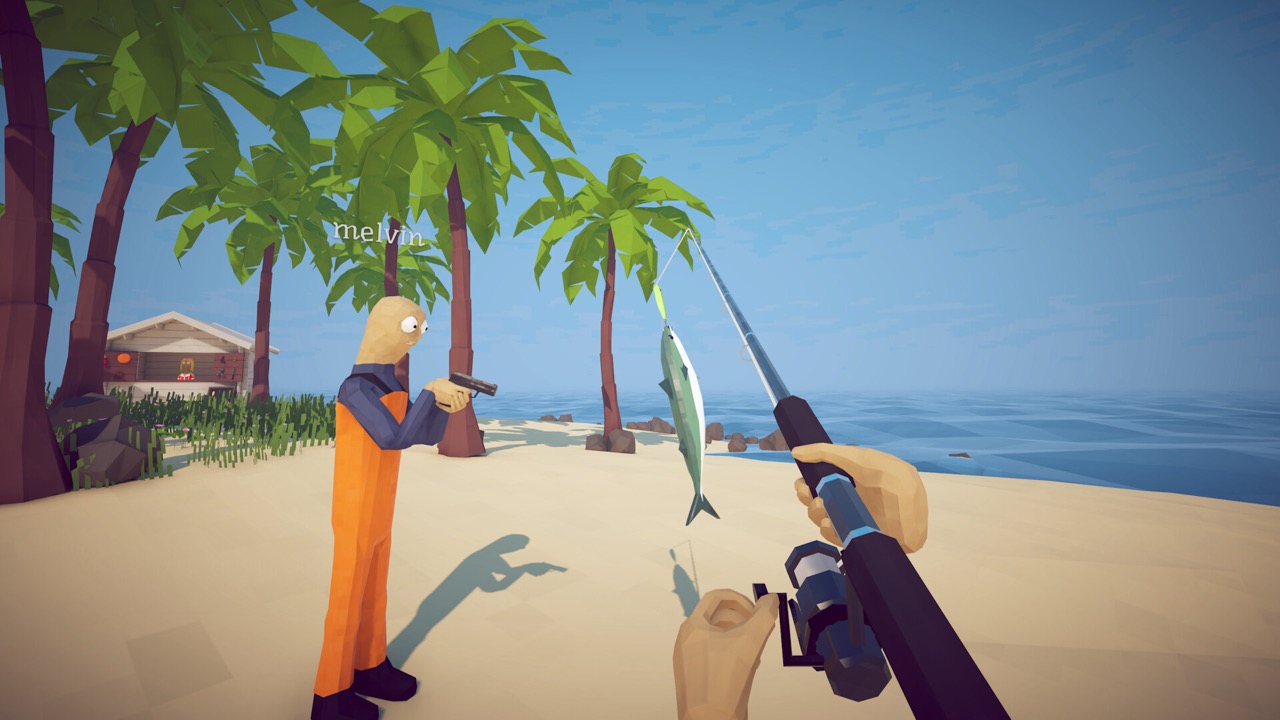
The game supports keyboard, mouse and controller, but exact keybinds change with patches and your own remaps. This page does not give a dead key table that ages out — it explains which controls actually block progression, plus a first-hour practice loop and input troubleshooting.
TL;DR: The in-game Settings / Controls menu is the only source of truth for keybinds. Learn in order: movement → interact/pickup → cast/reel → attack → swap item → inventory awareness → boat driving → co-op callouts. If a step fails, confirm the interaction prompt and quest state before blaming the wrong key.
Wrong NPC, wrong route stage, or item held by another player. Let the route owner hold it and talk to the correct NPC.
Wrong lure/rod or not enough route progress. Use the fish checklist to verify the target pool.
Missing special trigger or wrong spot. Open the boss page and follow the trigger checklist.
Patch, Steam Input, or remap mismatch. Check Settings, then restart the game.
Too much speed or no Radar plan. Practice slow turns, follow one marker at a time.
0-5 min: check keybinds and display settings; confirm you can interact and pause.
5-15 min: catch and kill early creatures near the Lighthouse — understand cast → fight → sell.
15-25 min: practice pickup/drop with non-route items; learn what is safe to sell.
25-40 min: buy progression needs, start the Beer route, don't lose items.
40-60 min: attempt the Spider Crab only after movement and attack feel stable.
A static key list fails in three cases: you remap controls, Steam Input changes a device profile, or a patch adjusts controller glyphs. This page covers the control decisions that actually stop progression — those stay stable. For exact keys, always use the in-game Settings / Controls menu.
If no interaction prompt appears, it is usually not a button problem: wrong NPC, wrong route stage, wrong player holding the item, or wrong lure all make a correct input look useless. Check state first.
Start solo, verify prompts, then join co-op. A controller issue is far easier to solve before a boss starts and everyone grabs the same route drop.
Where are the controls? The in-game Settings / Controls menu shows current bindings.
Why no fixed key map? Remaps, controller setups, and patches can make fixed maps wrong; the menu is safer.
Can I use a controller? Steam and patch history support controller context, but verify prompts and Steam Input on your own device.
What to practice first? Interact/pickup, casting, attack, item awareness, boat driving.
Friend can use an item but I can't? In co-op the host or route owner may hold the active quest state or required item.
Control mastery means "confirm state and prompt, then suspect the key." Nail interact, cast, attack, inventory, and boat driving and no island will block you on controls.
Keys down? Read the beginner route to clear island 1, or the co-op guide for 8-player roles and pitfalls.